
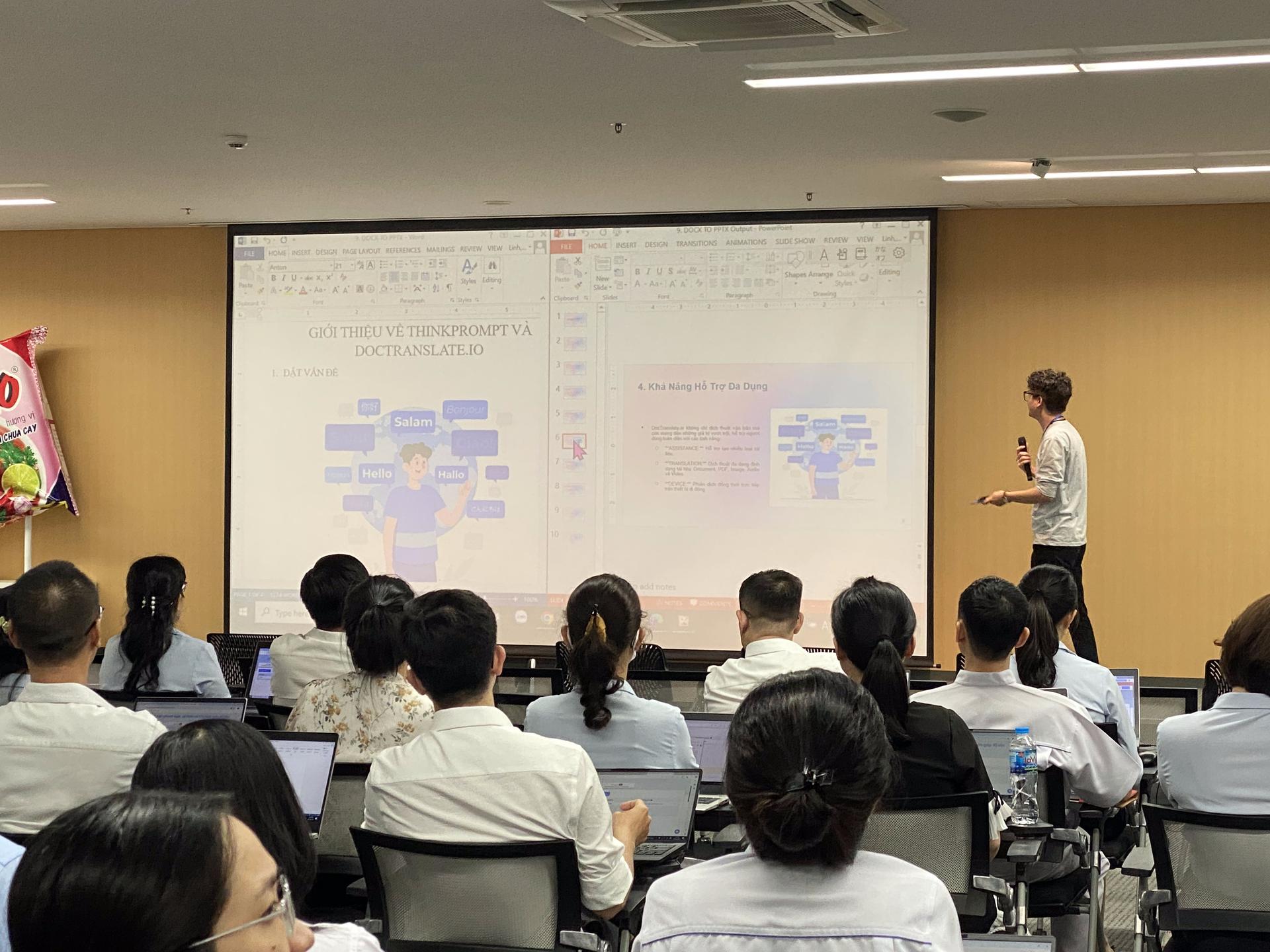
Enterprise communication relies heavily on the visual impact of presentations to convey complex ideas across global teams.
When you need to translate PPTX from English to Thai, the stakes are high because formatting errors can undermine professional credibility.
Traditional translation methods often fail to respect the intricate design elements inherent in modern PowerPoint decks.
Why PPTX files often break when translated from English to Thai
The primary reason PPTX files suffer from layout breakage during translation is the fundamental difference in script architecture between Latin and Thai characters.
English is a linear script with predictable word spacing, whereas Thai is a non-segmented language that does not use spaces to separate words.
This absence of spaces makes it difficult for standard translation engines to determine where line breaks should occur within a text box.
Furthermore, the Office Open XML (OOXML) structure of a PPTX file stores text in specific drawing objects called ‘shapes’.
These shapes have fixed dimensions and overflow properties that are strictly defined in the underlying XML schema.
When English text is replaced by Thai characters, the vertical height of the text often increases due to Thai’s unique vowel and tone marks.
Thai script utilizes four levels of vertical space: the baseline, subscripts, and two levels of superscripts for vowels and tone markers.
Standard translation tools often ignore these vertical requirements, leading to text that is clipped or overlaps with other slide elements.
Without a specialized layout preservation engine, the resulting slide often looks cluttered and unreadable to a native Thai speaker.
The Complexity of Thai Word Segmentation
In English, word boundaries are clearly defined by spaces, allowing software to easily wrap text to the next line.
Thai word segmentation requires sophisticated linguistic algorithms to identify where one word ends and the next begins.
If a translation tool fails this step, it may break a word in the middle, making the presentation difficult to understand.
XML Metadata and Formatting Constraints
PowerPoint files contain extensive metadata regarding the positioning of every element on a slide.
Translation processes that only extract text strings often lose the connection to the original formatting markers.
When the translated Thai text is re-inserted, it may not inherit the correct font family or size, resulting in a broken visual experience.
List of typical issues in English to Thai PPTX translation
One of the most frequent problems encountered is font corruption, where Thai characters are replaced by empty boxes or ‘tofu’.
This occurs because the original English font does not contain the glyphs necessary to render Thai characters.
Manually searching for and replacing fonts across hundreds of slides is a time-consuming and error-prone task for enterprise designers.
Table misalignment is another significant hurdle that disrupts the flow of data-heavy presentations.
English sentences are typically more concise than their Thai equivalents, causing text to overflow from table cells.
This overflow can push subsequent rows downward, overlapping with footer text or decorative elements at the bottom of the slide.
Image displacement often follows text overflow, as PowerPoint’s internal layout engine tries to accommodate the expanding text containers.
When a text box grows, it can push nearby images or icons out of their original positions.
This results in a disorganized appearance that fails to meet the high standards of enterprise-level documentation.
Pagination and Slide Count Discrepancies
Because Thai text often takes up more horizontal and vertical space, content that fit on one slide in English might require two slides in Thai.
Automated tools that do not account for ‘text swelling’ will simply hide the overflowing content.
This leads to critical data loss, as the audience is unable to see the full context of the translated message.
Broken Hyperlinks and Interactivity
Many professional decks use interactive elements, such as internal links or navigation buttons, to guide the viewer.
Poor translation workflows can inadvertently break the underlying triggers or paths for these interactive features.
Ensuring these links remain functional while translating the anchor text is a major challenge for standard translation software.
How Doctranslate solves these issues permanently
Doctranslate utilizes a proprietary AI-powered layout preservation engine specifically designed for complex enterprise documents.
Our system analyzes the spatial coordinates of every element on the slide before the translation process begins.
This allows the platform to intelligently resize text boxes and adjust font sizes to maintain the original design intent.
Smart font handling is a core feature of the Doctranslate ecosystem that prevents font corruption automatically.
The system identifies the stylistic characteristics of your English fonts and maps them to high-quality, professional Thai alternatives.
This ensures that your presentation maintains a consistent brand identity across all languages without manual intervention.
Streamlining your global communications becomes effortless when you choose to <a href=
Leave a Reply